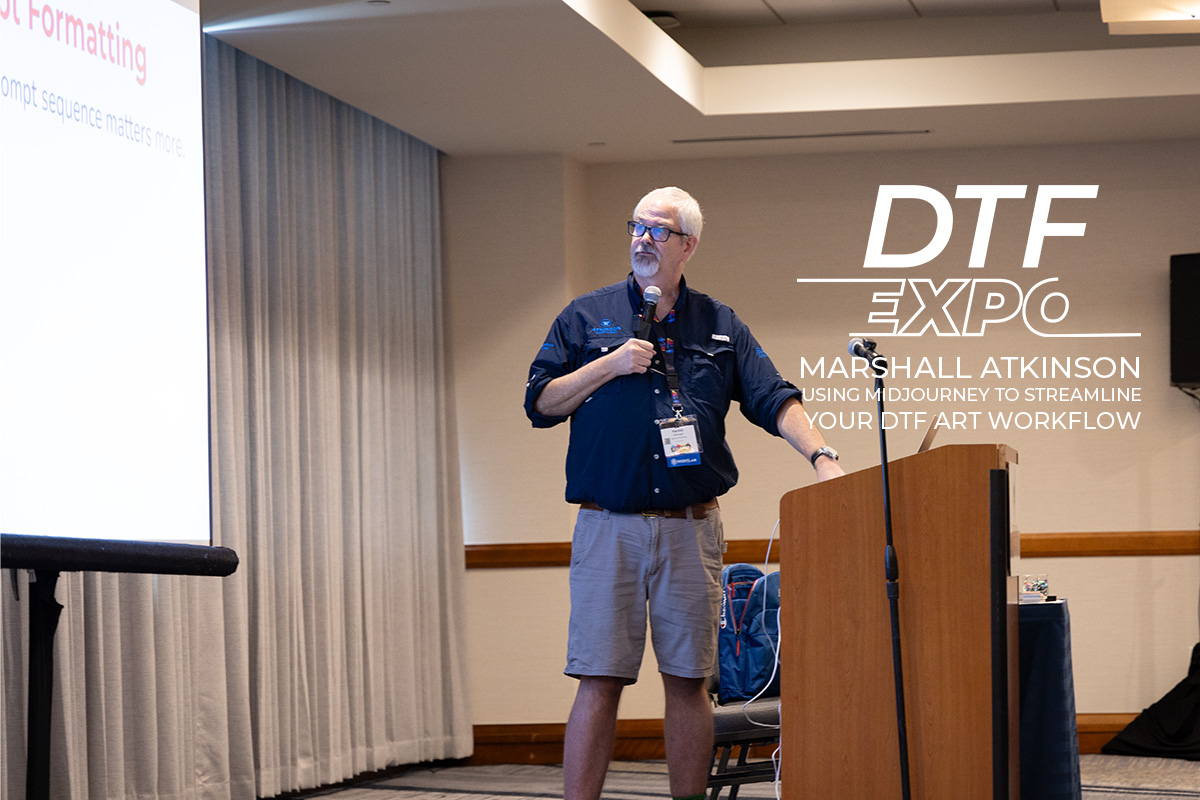
Using Midjourney to Streamline Your DTF Art Workflow
Before you watch
Connect AI-assisted artwork ideas with DTF file preparation. Plan the intended print size, inspect the generated image and keep a clear approval workflow.
- Start with a brief that names the design subject, intended garment and final print dimensions.
- Inspect generated text, edges and small details before treating an image as finished artwork.
- Keep the original file and a separate print-preparation version so changes remain reversible.
These preparation prompts are provided by DTFPrinting.com to help you apply the subject to your own work.
Related articles
Tutorials & How-To
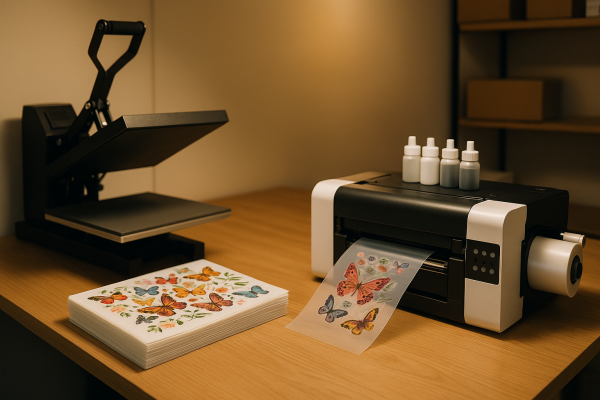
DTF Transfers vs In-House DTF Printing: Which Makes More Sense?
Should you buy ready-made DTF transfers or invest in your own printer? We break down the real costs, time tradeoffs, and...
Jul 30, 2026
Tutorials & How-To
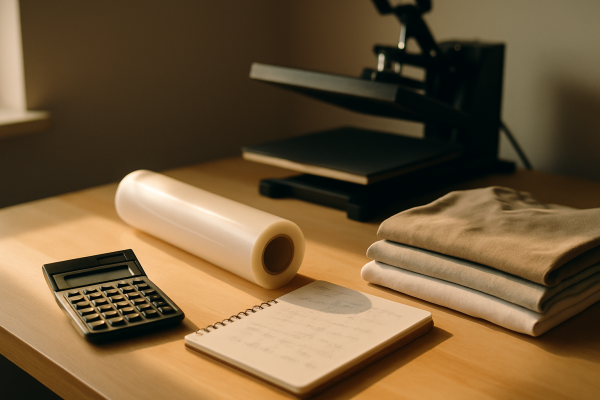
How to Price DTF Printing for Your Customers Without Guesswork
Figuring out what to charge for DTF transfers and finished apparel is part math, part market research. Here's a straight...
Jul 30, 2026
Tutorials & How-To
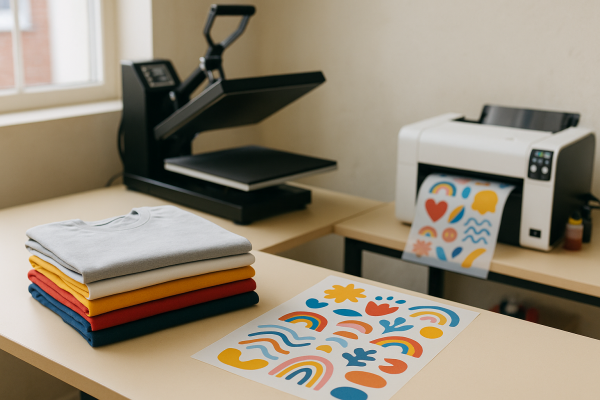
Using DTF for Print-on-Demand: What You Need to Know
DTF printing fits print-on-demand like a glove — one workflow, almost any garment, no minimums. Here's how to set up, pr...
Jul 30, 2026
Tutorials & How-To
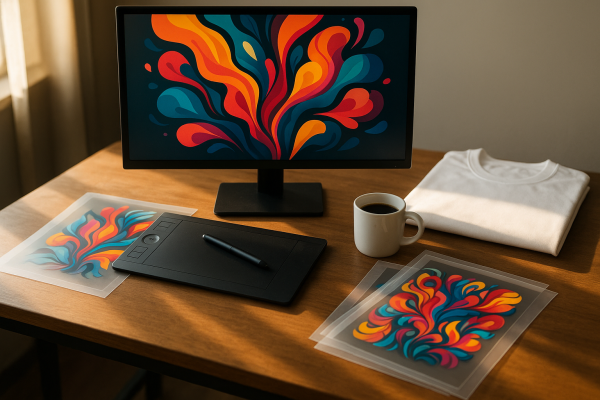
AI Tools for DTF Design: What's Actually Useful
A practical look at which AI design tools genuinely help DTF print shops, which ones aren't ready yet, and how to fold t...
Jun 28, 2026
Comments (0)
Log in or create a free account to comment.
Be the first to comment.